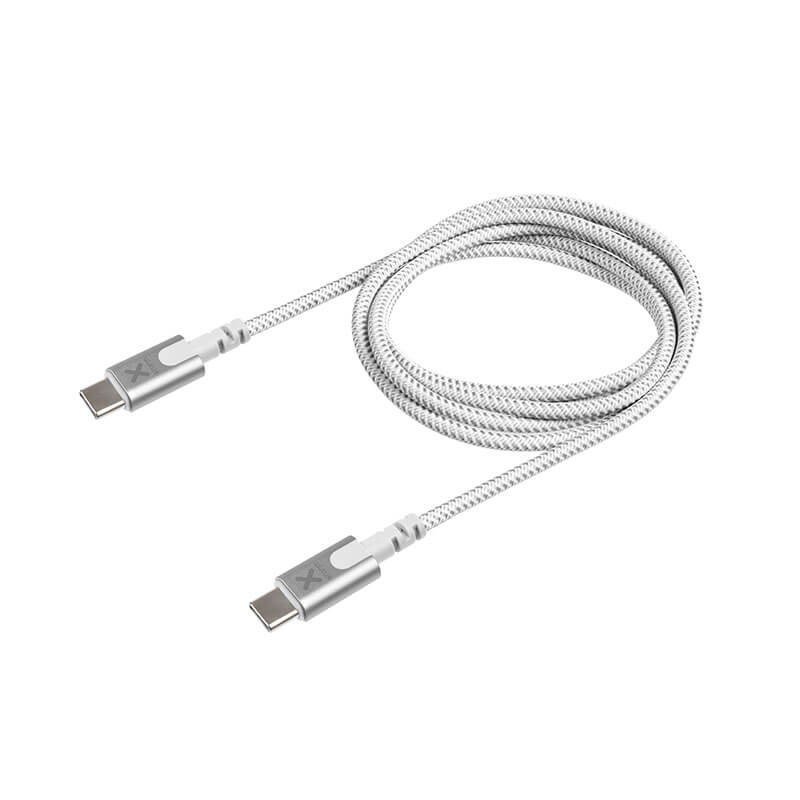
A USB-C cable designed for higher power
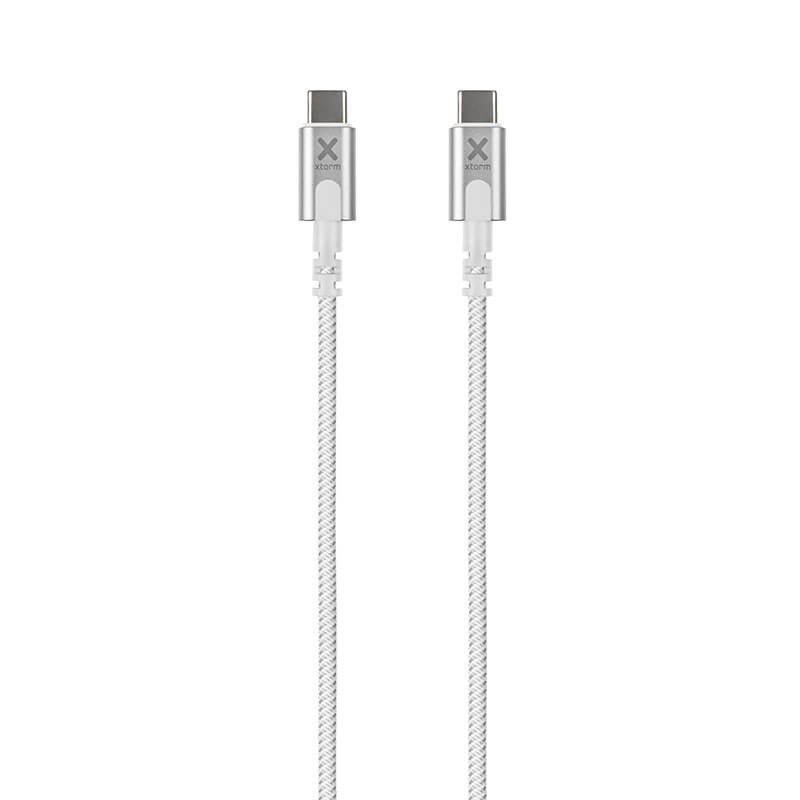
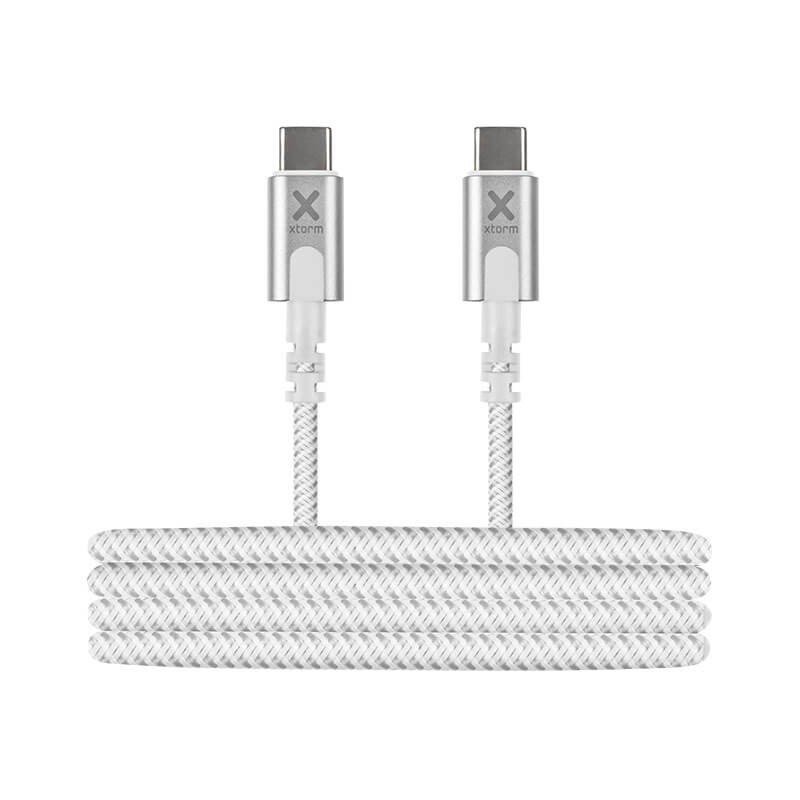
This Xtorm Original cable links two devices over USB-C and covers the PD 3.1 charging standard, with a stated power of 140 W. This category of cable is aimed mainly at laptops, tablets and phones able to accept fast charging, from a charger or station that offers the matching power. Its 2 m length leaves room to work some distance from the socket.
For home and for the office
Home use
On a sofa, in a bedroom or at a dining table, two metres is enough to leave the computer where it is while it charges. The white finish blends into a light interior.
Professional use
In a coworking space, a meeting room or a workshop, this cable feeds a laptop from a power supply fixed under the work surface. For a fleet of workstations it makes it possible to standardise the links. Do check the needs of each machine before equipping a whole department.
Cable construction
The sheath is woven nylon, a material often chosen for its supple feel and its resistance to everyday wear. The cable weighs 92 g for a length of 2 m. The data received gives no detail on conductor cross-section, transfer speed or internal protections, and we invent none.
Use and connection
Charging at full power depends on the whole chain: charger, cable and device must each support the stated level. Proceed as follows:
- Check that the charger and the device accept the power you want and have USB-C ports.
- Connect the cable to the charger, then to the device.
- On first use, watch that charging starts normally.
- Unplug by gripping the plugs.
If your charger delivers less than 140 W, charging will simply be limited by the charger.
Strong points
- Stated support for PD 3.1 at 140 W.
- 2 m length, comfortable for a work station.
- Woven nylon sheath and a modest weight of 92 g.
Technical specifications
- Brand: Xtorm, Original range
- Type: USB-C cable, PD 3.1
- Power: 140 W
- Length: 2 m
- Weight: 92 g
- Material: woven nylon
- Colour: white
Safety
At high power a damaged cable carries more risk. Do not use one whose sheath is cut or whose plugs heat up abnormally. Do not cover the cable or the charger while charging, do not pull on the lead and avoid tight kinks. Use good-quality chargers suited to your device and consult its instructions.
Care and storage
Wipe the sheath with a slightly damp cloth if it gets dirty, then let it dry before plugging in. A white sheath marks more easily, which has no effect on how it works. Coil the cable in a wide loop to put it away and keep it dry. Avoid leaving it wedged in a door or a drawer, where repeated pinching can wear the sheath near the plug.