
Moving from a USB-C socket to a Lightning device
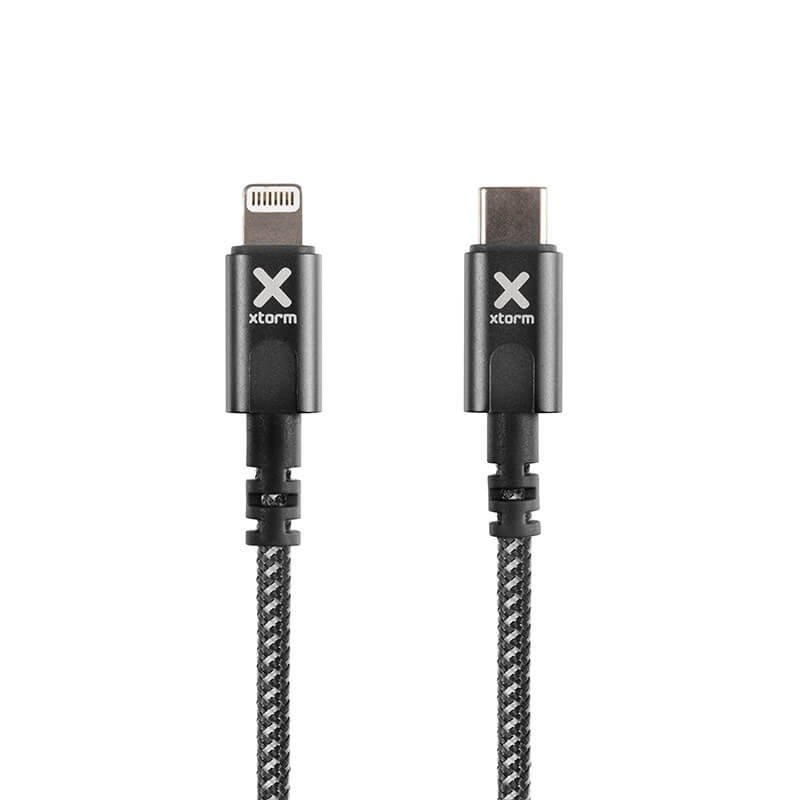
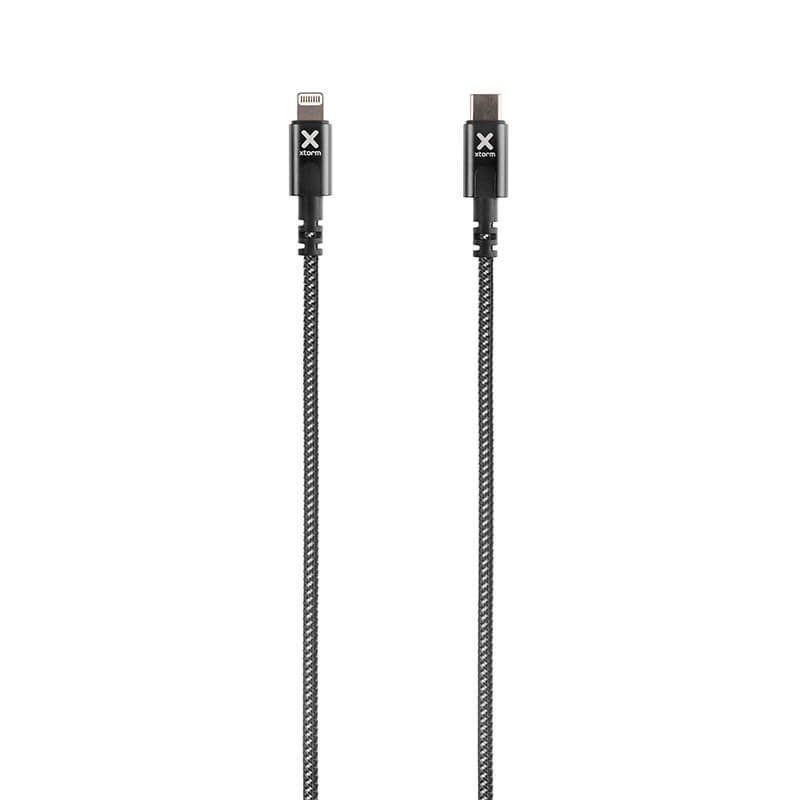
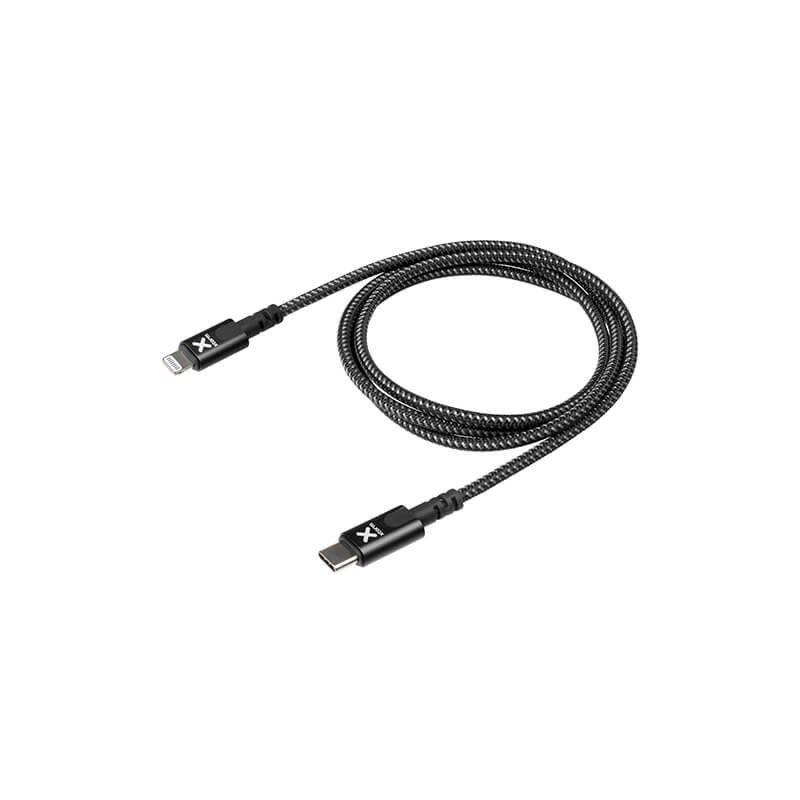
More and more chargers, computers and power banks are fitted with USB-C ports, while many phones, earbuds and accessories still use the Lightning connector. This Xtorm Original cable makes the link: a USB-C plug at one end, a Lightning plug at the other, over a length of 1 m. It therefore lets you keep using a Lightning device with more recent equipment.
At home, at the office and on the move
For home users
The cable finds its place in the socket of a USB-C wall charger, on the port of a laptop or on a power bank. For a family that owns both older and newer devices, it avoids the need for a pile of chargers.
For professionals
At a work station with a computer that has USB-C ports, it is used to charge or connect a Lightning device without an extra adapter. In a shop or a repair workshop, it can equip a counter where different devices pass through during the day.
What is known about the product
The data gives the brand Xtorm, the Original range, a length of 1 m and the black colour. Nothing is stated about maximum charging power, data transmission speed or sheath material. For exact performance and compatibility with your model, consult the manufacturer’s instructions.
Connection
Connection is direct:
- Locate the USB-C port on your charger, computer or power bank.
- Insert the USB-C plug, then the Lightning plug into the device to be charged.
- Check that the device responds as expected, then leave it to charge.
- Unplug it by pulling on the plugs, not on the cable.
Charging speed also depends on the charger and on the device. If in doubt, read their respective instructions, since a cable can only pass on what the two ends are able to handle.
Strong points
- Two different connectors, USB-C and Lightning, to bridge two generations of equipment.
- One-metre length, easy to slip into a bag.
- Xtorm Original range, in black.
Technical specifications
- Brand: Xtorm, Original range
- Connections: USB-C to Lightning
- Length: 1 m
- Colour: black
Safety
Inspect the cable regularly. A split sheath, a bent plug or unusual heating are signs that you should stop using it. Never force a plug into a port, do not expose the connectors to water and do not leave the device charging under a pillow or in a closed bag.
Care and storage
A dry cloth is enough to remove dust from the plugs. Store the cable in a wide loop rather than folded like a concertina, in a drawer or a pouch, dry and at room temperature. Avoid wrapping it tightly around a charger or a phone, since that puts constant strain on the point where the sheath meets the plug.