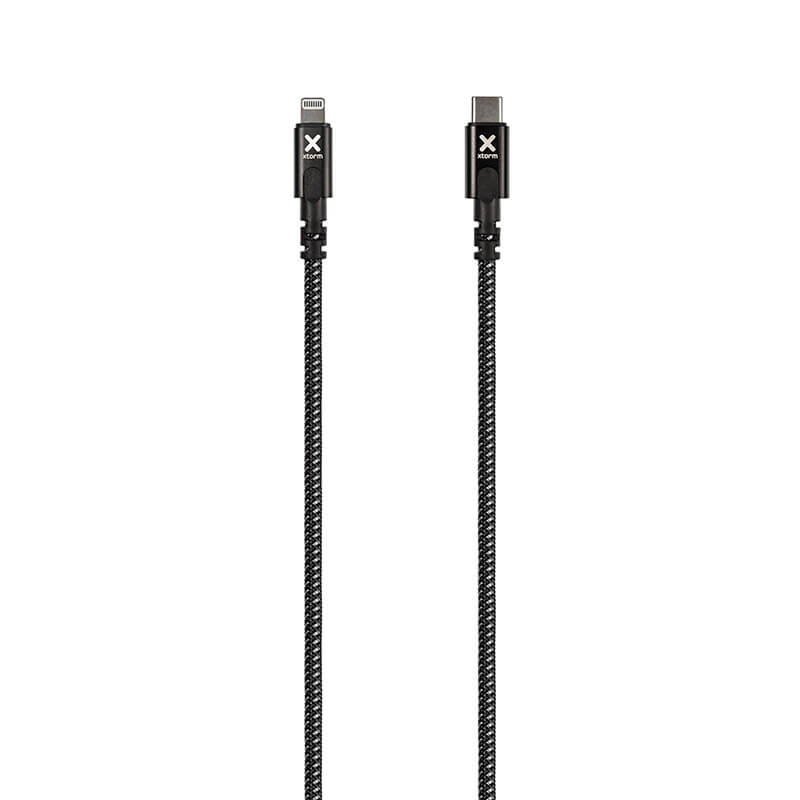
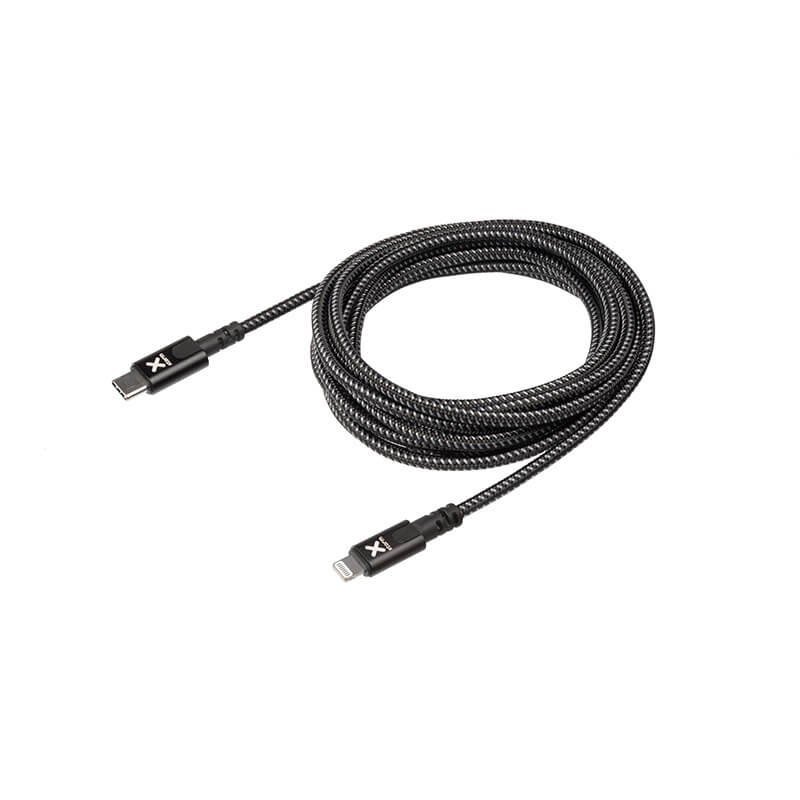
The same USB-C to Lightning bridge, with three metres of slack
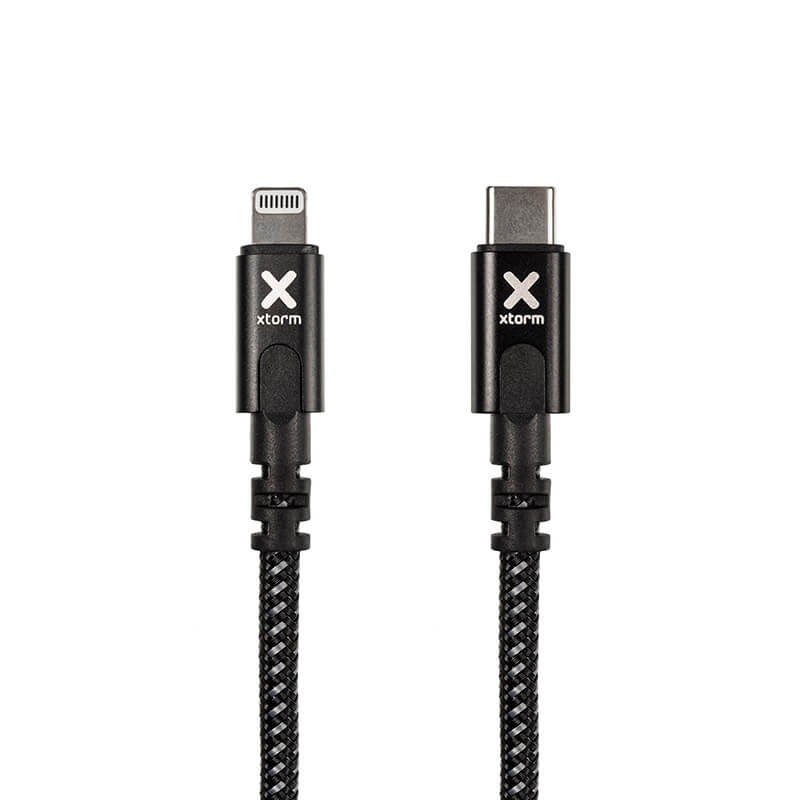
This Xtorm Original cable combines two qualities: it connects a USB-C port to a Lightning device, and it offers a length of 3 m. It is meant for people who already have a charger or computer with USB-C sockets but still use Lightning devices, and who want to settle where they like rather than next to the socket.
Where it proves useful
In the home
A desk set up in the middle of a room, a bed away from the wall, a corner sofa: three metres leave the choice of position. The cable can also link a laptop on a table to a device placed on a shelf.
In professional settings or on the move
At a trade-show stand, in a workshop vehicle or in a meeting room, a long cable makes it possible to connect a Lightning device to a central charging block without moving equipment. In a vehicle, take care that the cable does not interfere with driving or with passengers.
Available information
The data sheet states the brand Xtorm, the Original range, a length of 3 m and black as the colour. It provides no information on maximum charging power, transfer speed or sheath material. We therefore attribute no particular performance to this cable, and the manufacturer’s instructions remain the reference on the subject.
Installation and use
A few simple steps are enough:
- Plan the path of the cable so that it creates no obstacle.
- Connect the USB-C plug to the charger, computer or power bank.
- Then connect the Lightning plug to the device.
- Unwind the cable along its full length while charging, with no knots.
- Grip the plugs to disconnect.
The longer a cable is, the more useful it is to check that the charger and the device are compatible with it.
Strong points
- 3 m length for great freedom of placement.
- Two different connectors, USB-C and Lightning, to combine recent and older devices.
- Original range from the brand Xtorm, in black.
Technical specifications
- Brand: Xtorm, Original range
- Connections: USB-C to Lightning
- Length: 3 m
- Colour: black
Safety
A cable of this length can trip people up. Do not stretch it across a walkway and do not trap it in a door or under heavy furniture. Avoid pulling it at an angle on the plugs. If the cable heats up, if the sheath is damaged or if a plug is loose, stop using it. Keep an eye on young children and pets nearby.
Care and storage
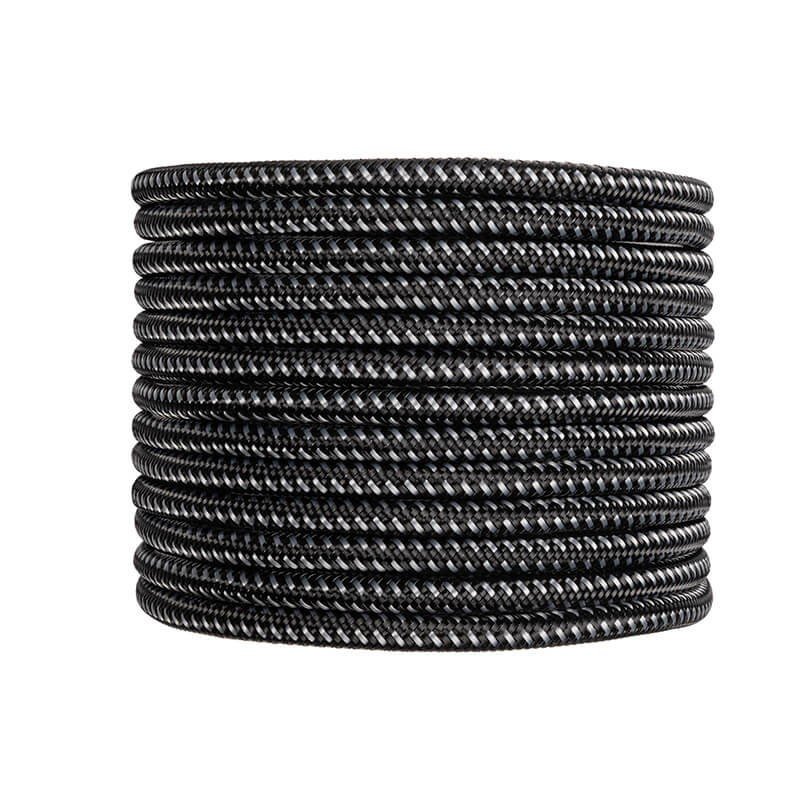
After use, coil the cable in wide loops without squeezing it, then hold it with a soft tie. Keep it in a dry place, away from heat sources. Dust the plugs with a dry cloth. Taking a moment to put it away neatly each time is the simplest way to keep a long cable in good condition.