What an output switch does
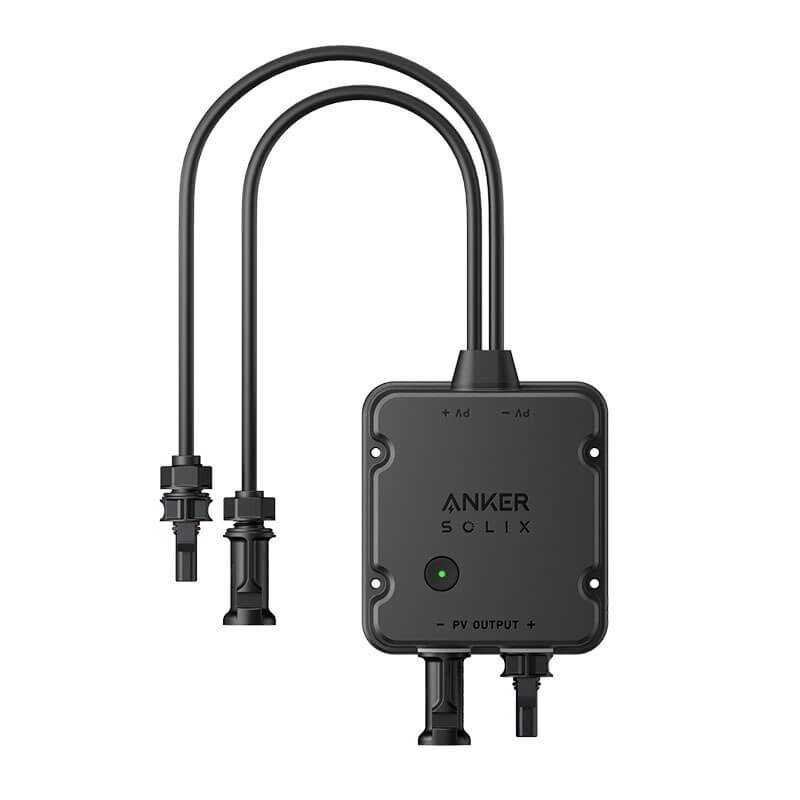
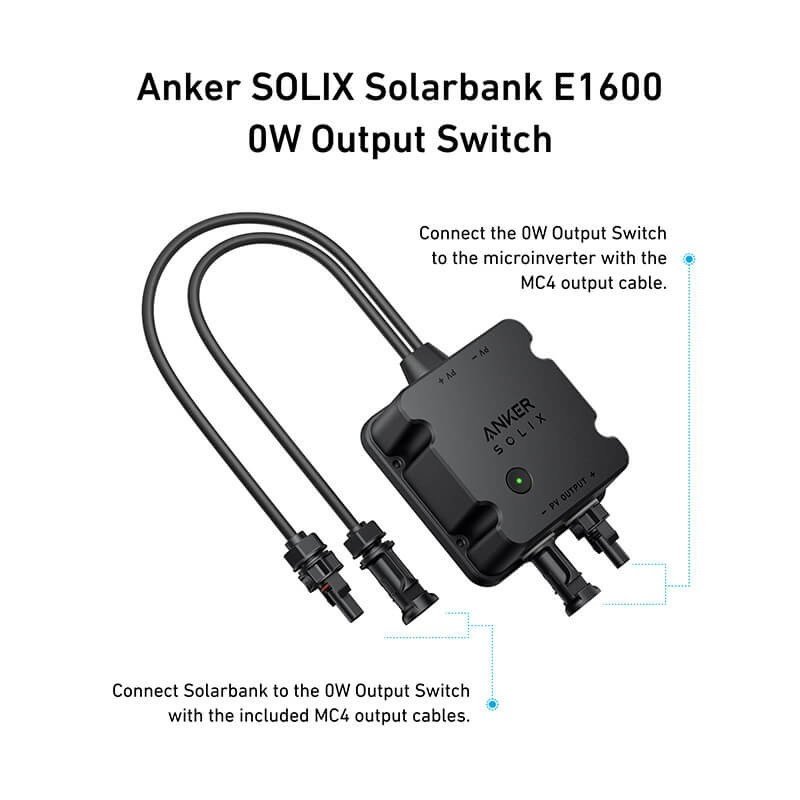
A home solar battery produces and stores energy, but someone still has to decide where that energy goes. This is where an output switch steps in: it works like a set of points between the Anker SOLIX Solarbank E1600 and the part of the installation that receives current. This model is presented as an accessory for that Solarbank.
A useful clarification: the supplied data mentions neither voltage, nor current, nor connector type, and we do not invent them. The manual of the accessory and that of the Solarbank will give the exact compatibility and the fitting rules.
Situations of use
In a dwelling
An owner running a small solar system on a balcony, a terrace or in a garage may look at this kind of accessory to steer the stored energy better, provided the configuration complies with local rules.
For a professional
An installer preparing a system for a client appreciates a dedicated element for the output: the diagram becomes clearer and maintenance simpler, as each function sits in an identifiable housing.
Shape and dimensions
The format stands out for its length: 1000 × 90 × 45 mm. This elongated silhouette is nothing like a small square box; it calls for a straight route, for instance along a wall, a rail or a cable duct. At 400 g it stays very light and barely strains its fixing.
Installation and connection
- Measure the available route before buying, taking the 1000 mm length into account.
- Read the manual of the Solarbank E1600 together with that of the switch.
- Cut every power source before handling the connectors.
- Fix the accessory without forcing it, then check that the cables carry no voltage.
Connecting to a household electrical network is a job reserved for a qualified installer.
Strengths drawn from the data
- Anker brand, linked here to the SOLIX range.
- Low weight of 400 g, easy to handle alone.
- A recognisable footprint of 1000 × 90 × 45 mm, which lets you plan the route in advance.
Technical specifications
- Brand: Anker
- Dimensions: 1000 × 90 × 45 mm
- Weight: 400 g
Safety
Never handle the accessory while it is live. Do not bend it beyond what the manual allows, do not crush its body under a load and protect it from knocks. A damaged or deformed part, or one that heats unusually, must be taken out of the circuit and examined by a professional.
Care and storage
Dust it dry, with the power off. If you remove it, store it flat or hung without strain, in a dry place, away from any edge that could mark its surface. Check its general condition before each fresh start-up. Wipe off any dust or moisture that has collected on the body, and look closely at the ends for signs of wear, since those are the spots that move most during handling and are the first to show fatigue. Also note where each cable belongs so that reassembly is not guesswork.