A pocket-sized bridge between two standards
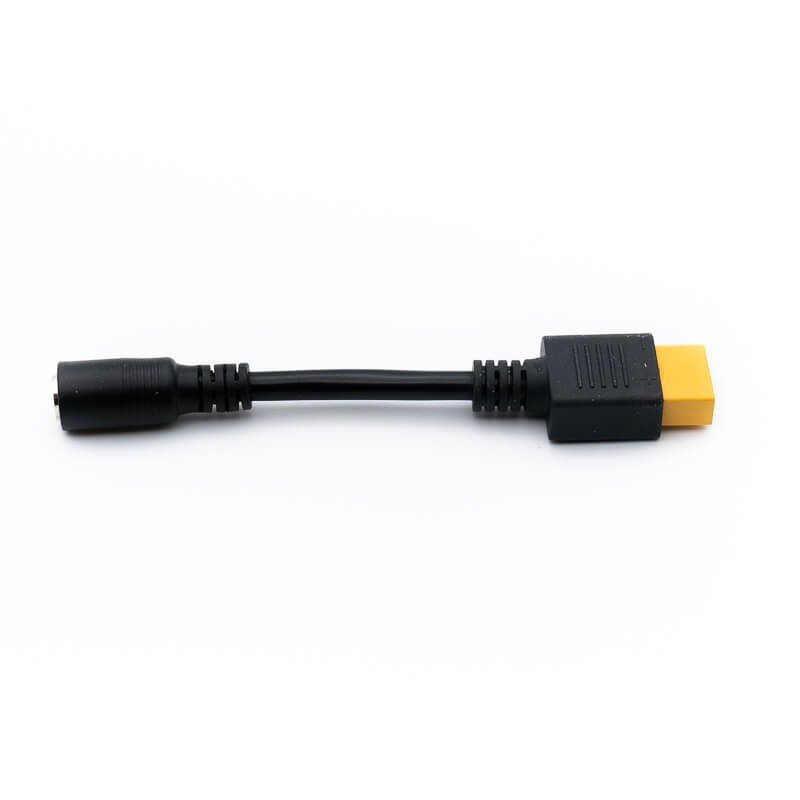
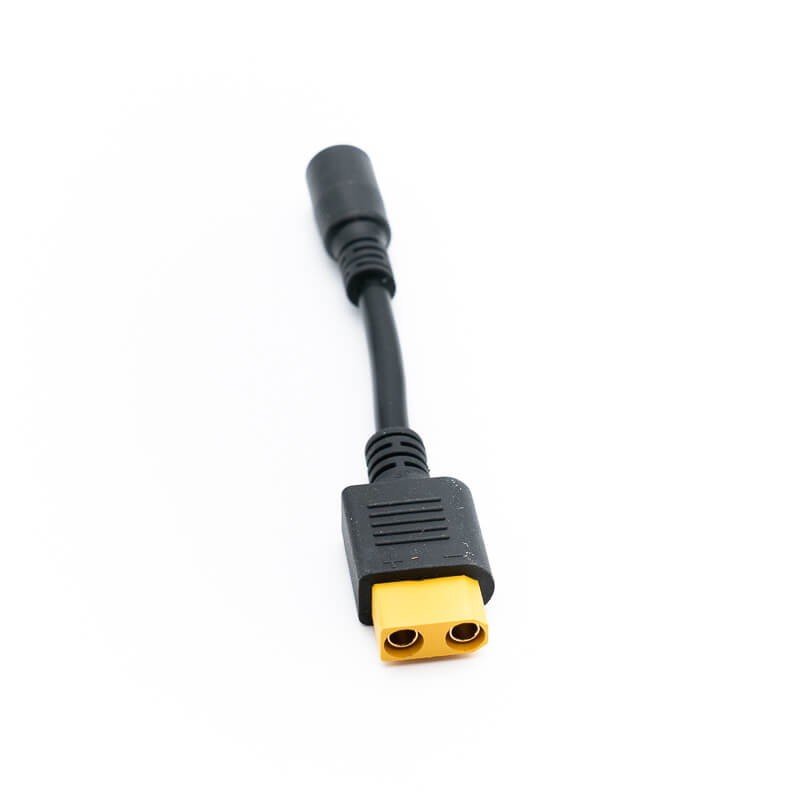
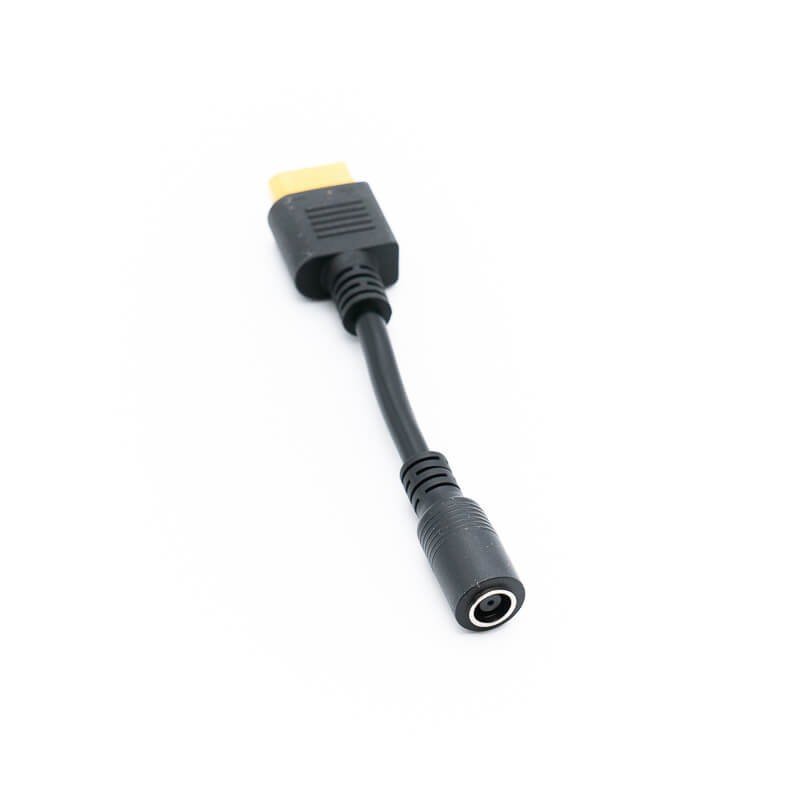
This small Bluetti lead is not meant to cover a distance: at the stated 8 cm, its only job is to convert a DC7909-type plug into an XT90-type plug. It can be placed directly between two units sitting against each other, or left permanently on the end of another cable so the plug format changes without touching the rest of the setup.
Where it fits
For households
Someone with a portable power station who already owns a cable or accessory fitted with an XT90 plug may be able to use it with a DC7909 port, provided the manuals of both products allow it. In a motorhome or a garden shed, such a short link keeps clutter down behind a cabinet.
For professionals
On a test bench, in a service vehicle or on a building site, an 8 cm adapter fits in a kit bag and helps out when equipment from different generations has to be linked. It is no substitute for a longer power lead when the devices sit far apart.
Construction
The supplied data states a length of 8 cm and dimensions of 8 cm, with nothing further. Conductor cross-section, sheath material and current rating are not given, so no value should be assumed.
Connecting it, step by step
- Switch off the power to both devices.
- Plug the adapter into the DC7909 port first.
- Then push the XT90 plug into the other piece of equipment.
- Check that nothing is pulling on the plugs, then power up again.
Because the lead is so short, make sure it does not carry the weight of another cable or enclosure: prolonged mechanical strain wears down the contacts. For any link to a fixed installation or to the household network, call a qualified installer.
What sets it apart
- Only 8 cm long, so little bulk and little cable to store.
- Direct change from a DC7909 format to an XT90 format.
- Named brand, which helps in finding the manufacturer’s documentation.
Technical details
- Brand: Bluetti
- Length: 8 cm
- Dimensions: 8 cm
- Connectors: DC7909 on one side, XT90 on the other
- Voltage and maximum current: not specified
A word on routing
With a lead this short, the two devices must sit very close, and their sockets should face each other without a sharp angle. If the plugs end up pulled sideways, consider repositioning the units rather than forcing the fit, and leave a little slack in any cable attached to the other end.
Precautions
Observe the electrical limits printed on the connected devices, because the adapter does not raise them. Do not let it run warm wrapped in fabric or foam, and keep it dry. If a plug looks blackened, deformed or loose, replace the accessory before using it again.
Cleaning and storage
A wipe with a dry cloth is enough. Keep it in a pouch away from damp and from metal objects that could touch the contacts, and unplug it as soon as you have no more use for it.