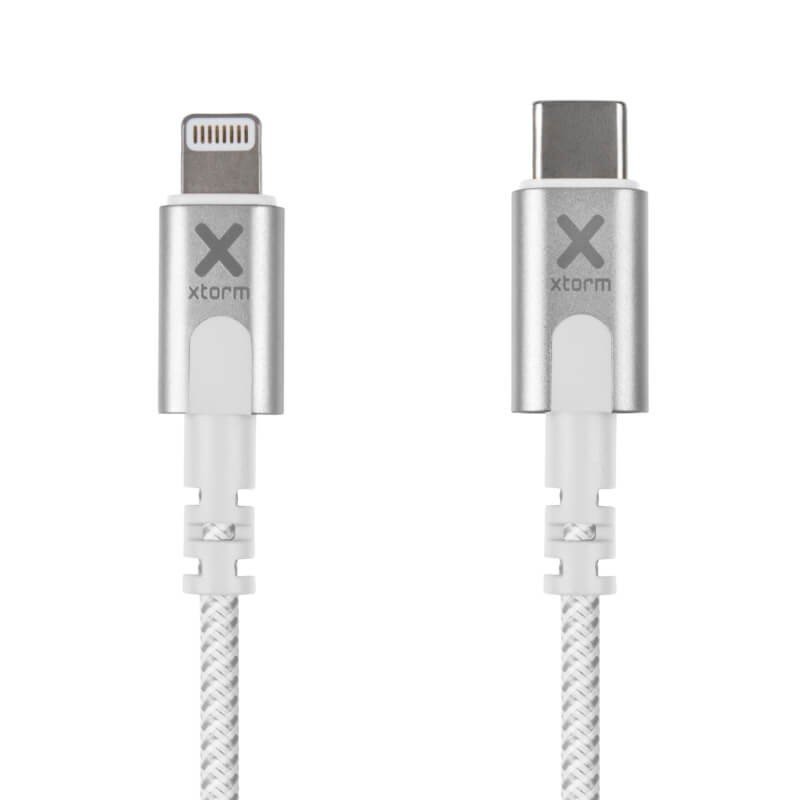
From a USB-C port to a Lightning connector
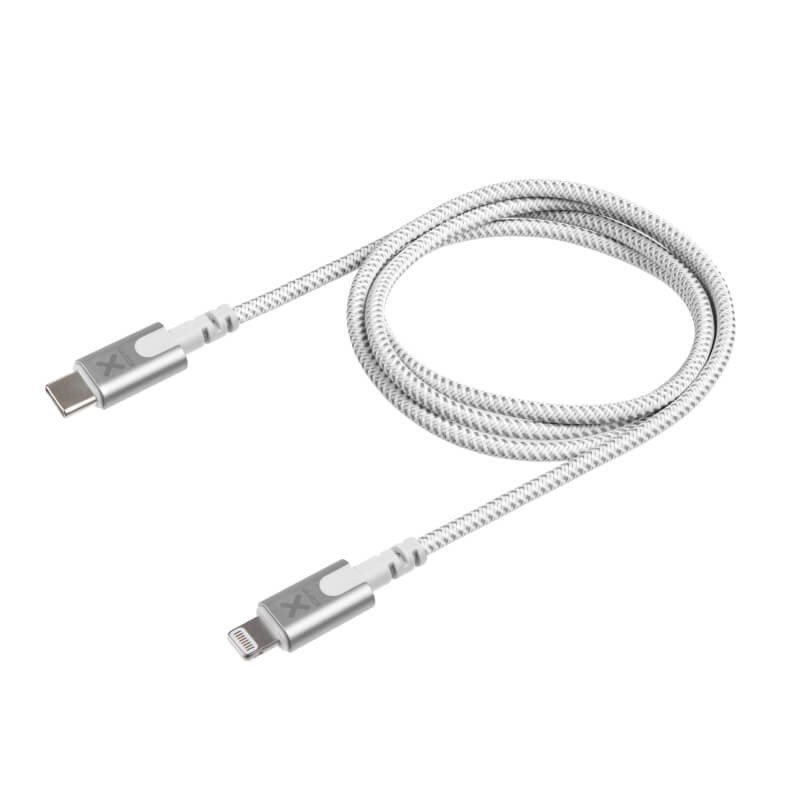
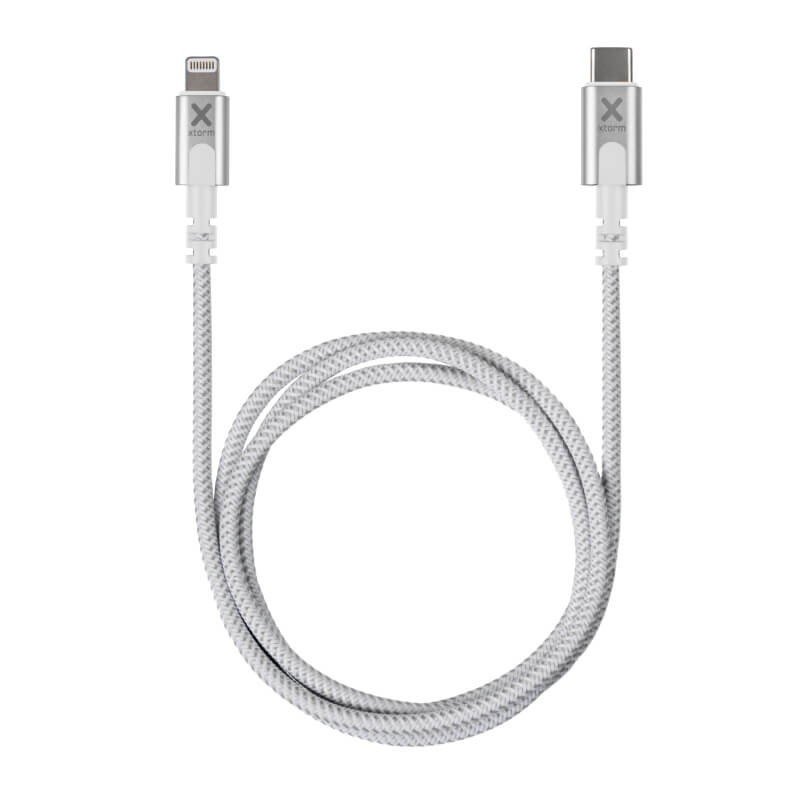
Recent computers, many chargers and a lot of power banks offer USB-C outputs, while some phones and accessories keep the Lightning port. This 1 m Xtorm Original cable bridges the two: a USB-C connector at one end, a Lightning connector at the other. It saves you from keeping an old charger just for a single port.
Who uses it, and how
Day to day
On a desk with a USB-C laptop, the cable connects the phone straight to the machine so it recharges while you work. At home, it also plugs into a wall charger with a USB-C output, at the foot of the sofa or beside the bed.
For professionals
Consultants, photographers, sales agents: a set of light white cables, 26 g each, slips into a laptop bag without weighing it down. A field crew can also use it with a portable battery that has a USB-C output to give a mobile device some energy between jobs.
What is known about its construction
The data sheet states a length of 1 m, a weight of 26 g, a woven nylon sheath and a white colour, under the Xtorm brand. It gives no charging power, no transfer speed and no list of compatible devices. Before counting on fast charging, consult the manual of your phone and that of your charger.
Connecting it
- Choose a free USB-C port on your source.
- Insert the USB-C connector, then the Lightning connector into the device.
- Check the indicator light or the screen, then set the phone down without stretching the lead.
On a laptop, avoid letting the cable dangle: the weight of the phone could pull on the machine’s port.
Advantages
- A direct route from USB-C to Lightning.
- Weight of 26 g, easy to carry.
- Woven nylon sheath.
- A 1 m length suited to a workstation.
Technical specifications
- Brand: Xtorm
- Connectors: USB-C to Lightning
- Length: 1 m
- Weight: 26 g
- Material: woven nylon
- Colour: white
Points to check before buying
First check that your source really has a USB-C output and that your device has the Lightning port: this cable does not suit other combinations. Then check the length you need: 1 m is enough on a desk, less so from a distant socket. If you use both a laptop and a wall charger, a single cable can serve both, which reduces the number of accessories you carry.
Finally, think about where the cable will spend most of its life. A lead kept permanently in a bag deserves a little care when it is coiled, so that the sheath keeps a smooth path near the plugs.
Safety
Unplug by gripping the plug. Never exceed the limits of the device or the source, and protect the cable from liquids, heat and pinching. If the connector gets clearly hot or the sheath tears, stop using it.
Care and storage
Wipe the nylon with a barely damp cloth and let it dry. Coil the cable without folding it sharply and keep it in a dry pouch, away from keys and metal objects that can scratch the sheath.