AA cells you can recharge without a dedicated charger
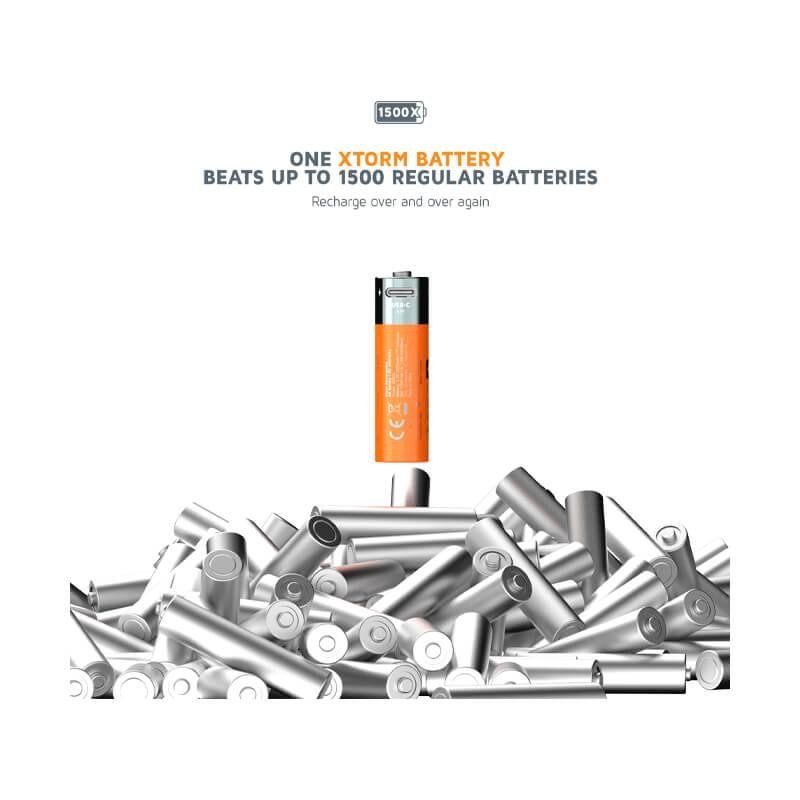
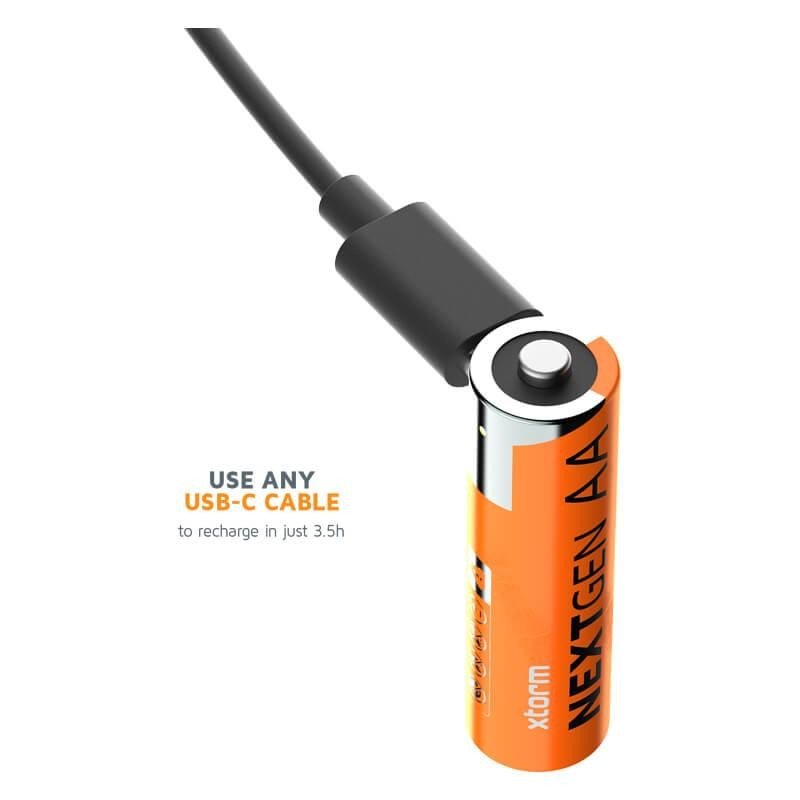
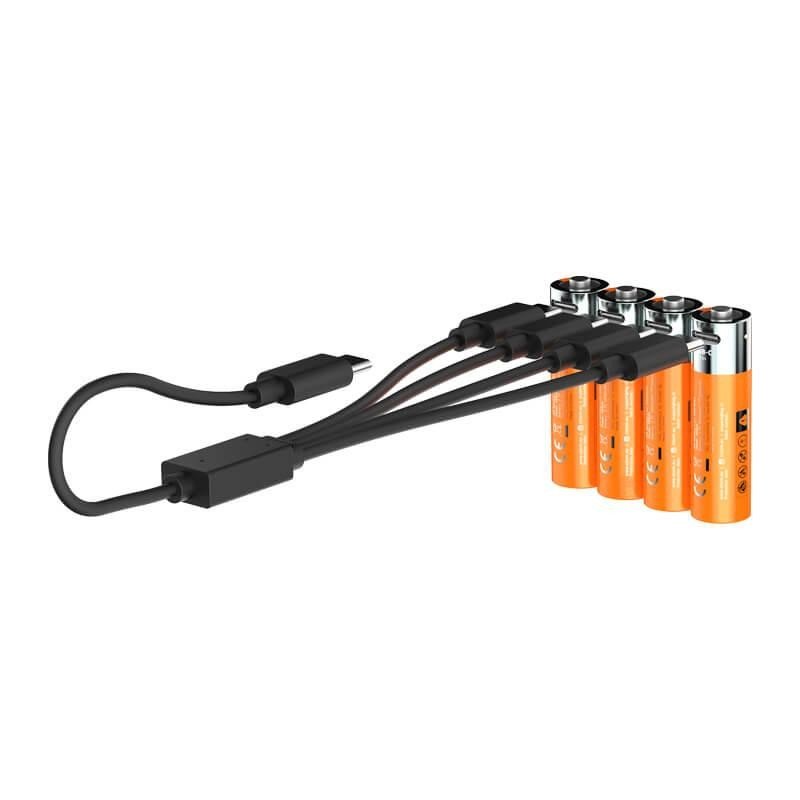
The Xtorm NextGen set contains four rechargeable AA batteries. What sets them apart is USB-C charging: instead of a special charging dock, you use a cable and a USB source you probably own already, such as a phone charger or a power bank. For anyone who travels, or keeps their accessories in one bag, that is one less thing to carry.
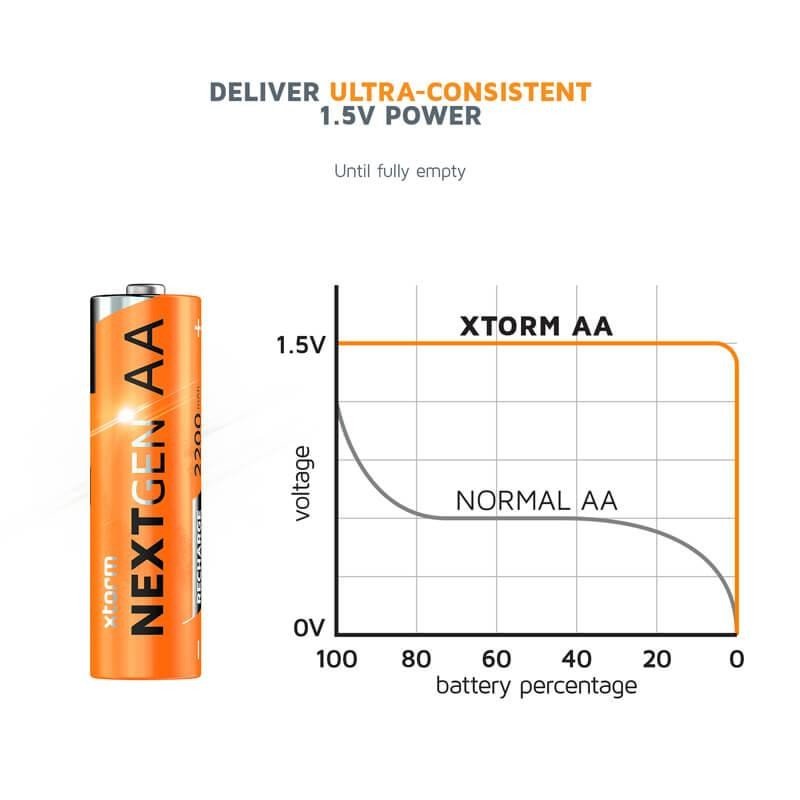
Once charged, they fit any device designed for the AA format: remote control, wireless mouse, flashlight, thermometer, toy, game controller. Always check in your device manual that rechargeable cells are accepted, because their working voltage can differ from that of an alkaline battery.
Uses at home and on the move
For households
At home, these cells replace disposable batteries in the items you use often: clocks, detectors, keyboards, compact cameras. On a trip or a camping weekend, a set of four cells charged in advance and topped up from a portable power bank saves you from hunting for spares.
For professionals
In a workshop, a small shop or on a building site, they can power measuring lasers, headlamps or equipment remotes, provided the device maker allows rechargeable cells. Keeping a second set in rotation means you never wait for a charge to finish.
What the specifications tell you
- Brand: Xtorm
- Format: AA, set of 4
- Charging: via USB-C
- Weight: 76 g
No capacity or voltage is supplied here, so do not rely on a precise figure and check the manufacturer’s information if those data drive your choice. The 76 g weight does give an idea of the bulk: the set slips easily into a pouch or a bag pocket, which suits travellers who like to keep spare power close at hand.
Getting started
- Connect the cells to a USB-C source following the manufacturer’s instructions.
- Let the charge finish before taking them out.
- Insert them respecting the polarity marked in the device’s compartment.
- Replace all four at the same time, and never mix them with cells of another type or another charge level.
Safety
Charge the cells in a dry place, away from anything flammable, and do not let a child handle them unsupervised. Do not use a cell that is swollen, deformed or leaking. Do not short-circuit the contacts: keep them in a case rather than loose among keys or metal coins. Use a USB-C cable in good condition and a source whose ratings match the manufacturer’s indications.
Care and storage
If you will not use them for several months, take them out of the device and keep them somewhere cool and dry. A charge cycle now and then avoids leaving them fully discharged for too long. Wipe the contacts with a dry cloth if you notice dust or signs of oxidation. At the end of their life, take them to a collection point for batteries and accumulators.
Choosing wisely
Start from the devices you want to power: for equipment with a low, steady draw, recharging matters less than for gadgets that are switched on often. The 76 g weight of the whole set shows what you carry, and the USB-C connection means a single cable can serve both your phone and the cells.