

A long cable for devices with a USB-C socket
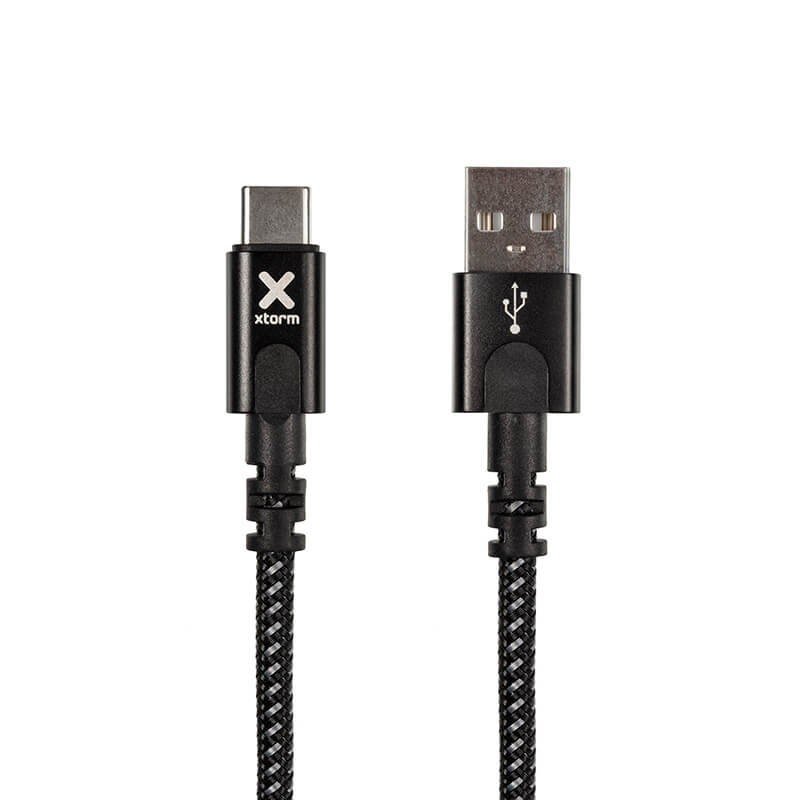
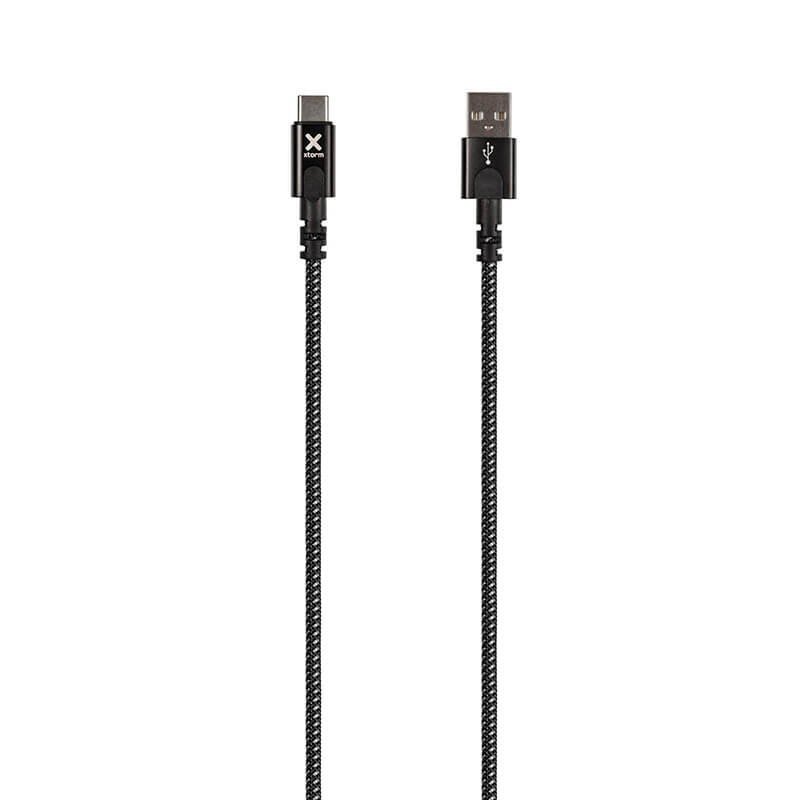
The USB-C connector now equips a wide variety of phones, tablets, earbuds, e-readers and small accessories. This Xtorm Original cable is its practical companion: a USB plug at one end, USB-C at the other, and a length of 3 m. It suits situations where the energy source, such as a car charger, a mains adapter or a power bank, is far from where the device is used.
Examples of use
At home
It lets you read on an e-reader from bed while it charges, keep a tablet in hand in the kitchen, or run a speaker on the patio from a power supply placed indoors. In a living room, it avoids the need for an extra power strip.
At work and on the road
In a workshop or on a building site, it links a small accessory to a distant USB power source. In a motorhome or a utility vehicle, it can span the distance between a power port and the sleeping or working area. Keep the cable away from moving parts and walkways.
What we know
The data sheet mentions the brand Xtorm, the Original range, a length of 3 m and the black colour. It gives neither the charging power, nor the data transfer speed, nor the sheath material. No performance is therefore promised here: consult the manufacturer’s instructions to find out what current or data rate is intended.
Connecting step by step
- Choose the route of the cable, clear of walkways.
- Connect the USB end to the source: charger, computer or power bank.
- Connect the USB-C end to the device, without forcing or twisting.
- Check that the device shows charging, then lay out the cable without stretching it.
Before buying, make sure your device really has a USB-C socket and that your source has the matching USB port.
Strong points
- Three metres of reach for comfortable charging.
- A USB plug paired with a USB-C plug, a common combination on recent devices.
- Xtorm Original range, in a discreet black.
Technical specifications
- Brand: Xtorm, Original range
- Connections: USB to USB-C
- Length: 3 m
- Colour: black
Safety
Do not leave the cable stretched across a passage where someone could trip, and keep it away from sharp edges and hot objects. A cable with a damaged sheath or a bent plug should be replaced. While charging, cover neither the device nor the cable. Unplug before cleaning.
Care and storage
Remove dust from the plugs with a dry cloth. To put this 3 m cable away, make large even loops rather than folding it into a small bundle, then hold it with a soft tie and keep it in a dry drawer. Gentle habits make a real difference with a long lead, because the strain on its ends is greater than on a short one.