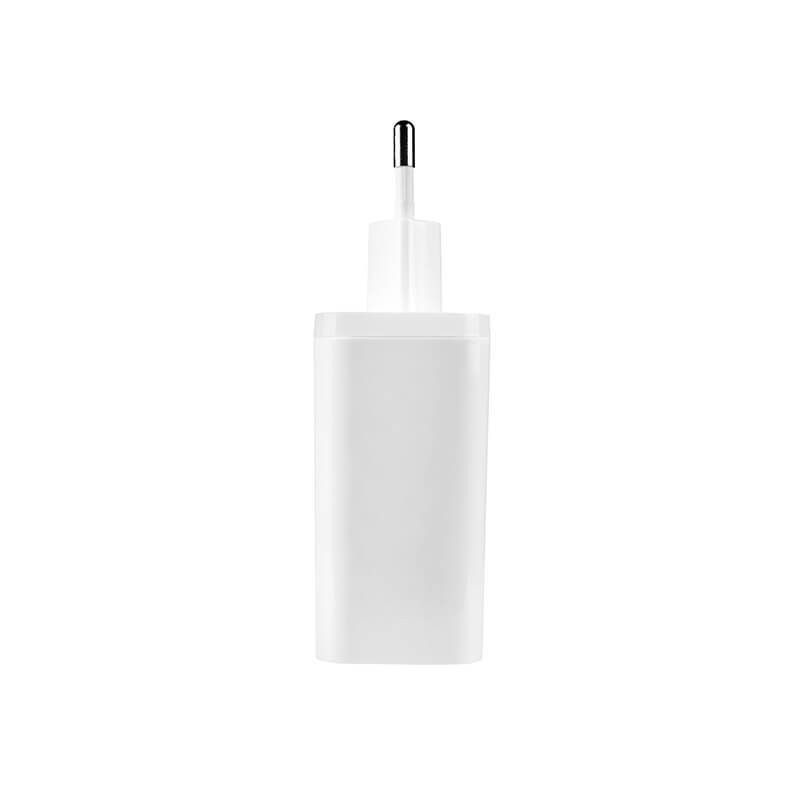
A USB-C power supply for everyday life
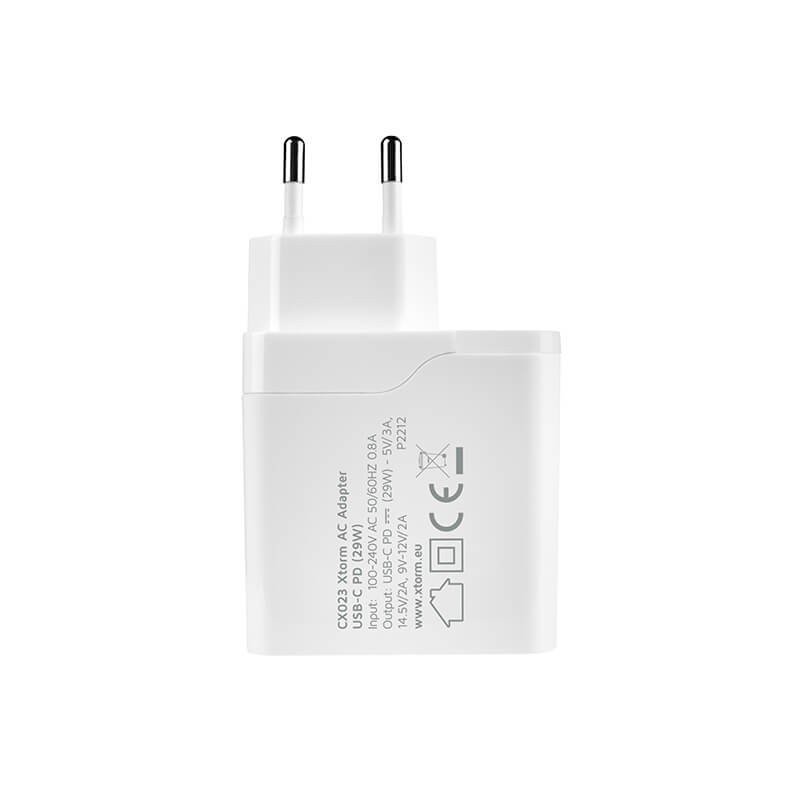
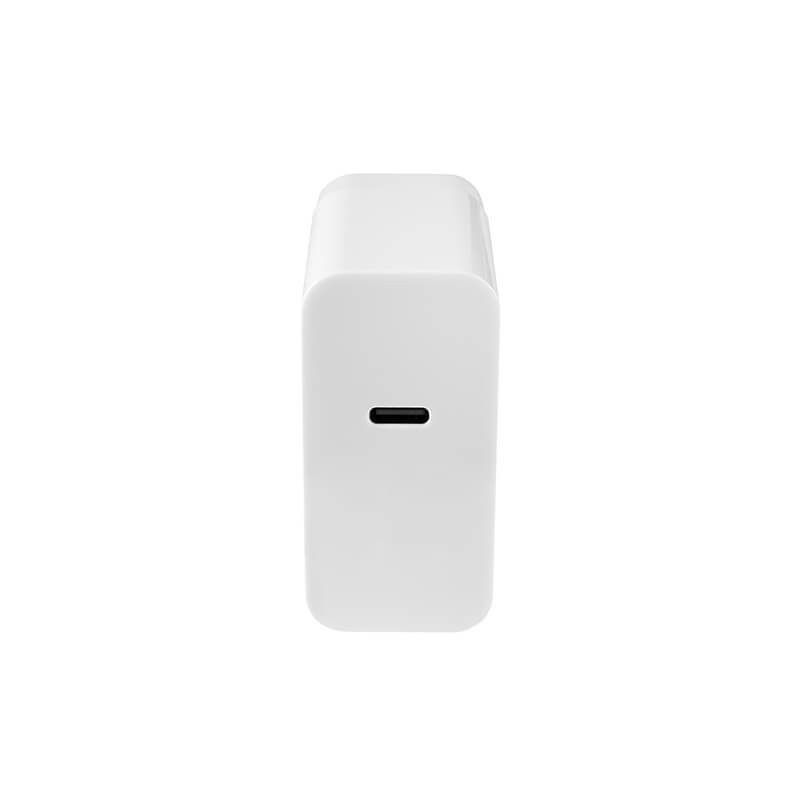
This Xtorm adapter turns a wall socket into a 29 W USB-C Power Delivery source. It is meant for charging a smartphone, a tablet or any other device that accepts this protocol, using the USB-C cable of your choice. It makes a good replacement for the older bricks that came with earlier gadgets, and it fits into a desk drawer, a bedside table or a travel pouch.
Where and how to use it
At home
Placed near the sofa or the bed, it keeps your phone or tablet within reach while it charges. In a kitchen or living room it frees up sockets blocked by bulky chargers.
At the office and on the road
At a shared workstation, everyone can bring their own adapter for their mobile devices. When travelling, the 100 to 240 V input lets it work on different mains systems, although a plug adapter is still needed in some countries.
Shape and material
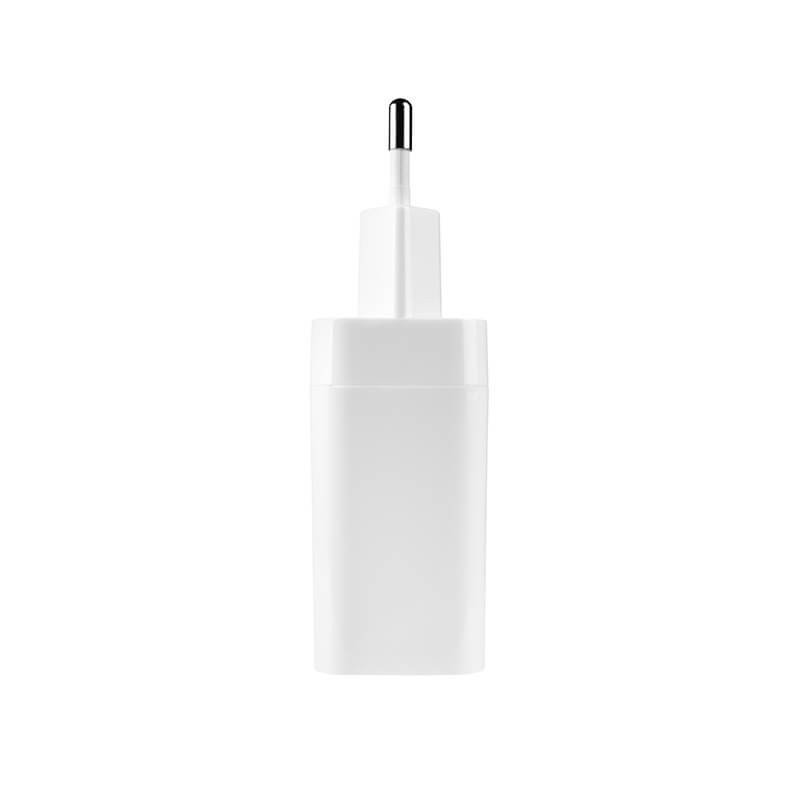
The housing is made of plastic and measures 9.5 x 5.8 x 3 cm. It weighs 90 g, which is light enough for a laptop bag. Before relying on it for a specific purpose, check that your device supports USB-C PD and that 29 W matches its needs; the device’s manual will tell you.
If you are unsure how much power you need, compare the figure printed on your device’s original charger with the one given for this adapter. A device that demands more power may charge more slowly, or may not charge properly at all.
Putting it into service
- Plug the adapter into a wall socket in good condition.
- Connect a USB-C cable suited to your device, without forcing the connectors.
- Check that the device shows that charging is under way.
- Disconnect by pulling on the adapter body, never on the cable.
Key points
- 29 W USB-C PD output for compatible devices.
- Universal 100 to 240 V input.
- Compact format and a weight of 90 g.
Technical specifications
- Brand: Xtorm
- Output: USB-C PD (29W)
- Input: 100 – 240 V
- Dimensions: 9.5 x 5.8 x 3 cm
- Weight: 90 g
- Material: plastic
Safety recommendations
Use a cable that is in good condition and designed for the power being transmitted, because a poor-quality cable can limit charging or get hot. Do not cover the adapter while it is working and keep it away from water. Do not use it if the housing is cracked or the pins are bent, and do not try to repair it yourself.
Care and storage
Unplug it before cleaning and wipe the housing with a dry cloth. Avoid liquids and solvents. If you will not use it for a long time, keep it in a dry place, away from dust and knocks, and coil the cable without squeezing it too tightly.