

Why pick a 100 W charger?
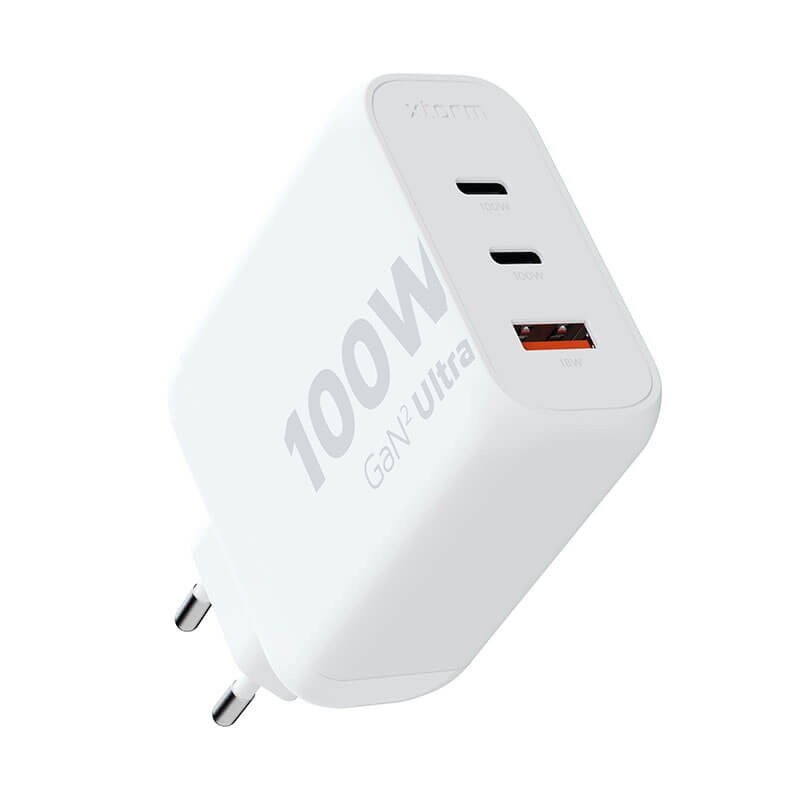
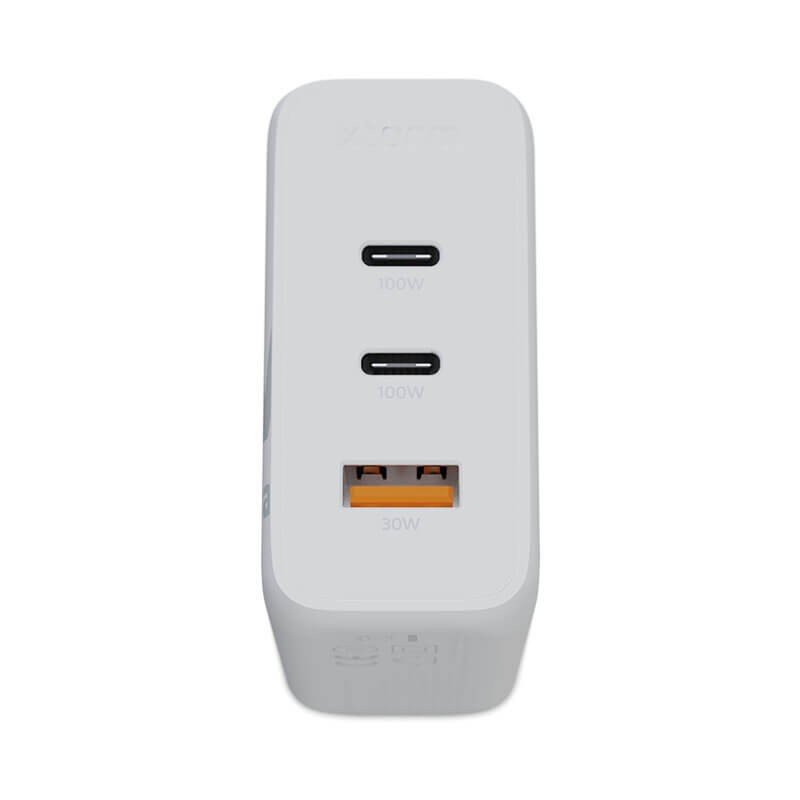
Many 14 to 16 inch laptops ship with a bulky power brick. A 100 W mains charger like this Xtorm GaN2 Ultra offers another route: a USB-C PD (100W) supply that may suit many recent laptops, plus a USB-A (18W) port for a second device. Exact compatibility depends on the machine, though; check the power your own one calls for.
Usage scenarios
Students and remote workers
In a lecture hall or at the kitchen table, the laptop goes on the USB-C port and the phone on the USB-A port. The bag loses one adapter.
Creators and mobile professionals
Photographers, designers and consultants can keep this block in a pouch with a sturdy USB-C cable. It helps out in a station, a waiting room or a coworking space where sockets are scarce.
What the datasheet reveals
The weight is 209 g. No dimensions are given, and the sheet describes neither the materials nor the internal protections. Nothing can therefore be claimed on those points; for precise needs, contact the manufacturer. The model name mentions GaN2 technology, which we simply note without promising any particular effect.
Plugging in without fuss
- Look at the label of your laptop’s original adapter for its power, then compare it with the 100 W offered here.
- Get a USB-C cable suited to heavy loads.
- Push the charger into the wall socket, then connect the device.
- For the USB-A port, a standard cable in good condition is enough to recharge an ordinary accessory.
No fixed installation is involved. If the socket sits on a circuit fed by an inverter or a generator, checking the whole arrangement is a job for a qualified professional.
What sets it apart
- A USB-C PD (100W) port that matches the most common laptops, subject to checking.
- A USB-A (18W) port for a second device.
- A weight of 209 g, a format meant for travel.
Specifications
- Brand: Xtorm
- Technology: GaN2 Ultra
- Output: USB-A (18W), USB-C PD (100W)
- Weight: 209 g
Precautions for use
A block of this power warms up while charging: set it on a hard, clear surface rather than on fabric. Do not use it if it shows a crack or if a pin is bent. Avoid pulling on the cable to unplug it, and keep everything away from liquids, as the sheet mentions no protection rating. Do not connect a device whose needs exceed the stated output values.
Routine care and storage
A dry cloth, used while the charger is unplugged, beats any cleaning product. Store the block in an inner pocket or a rigid case to protect the pins, and avoid leaving it in a car exposed to the sun. Keep it out of the reach of children.