
Made for the phone, useful for the rest
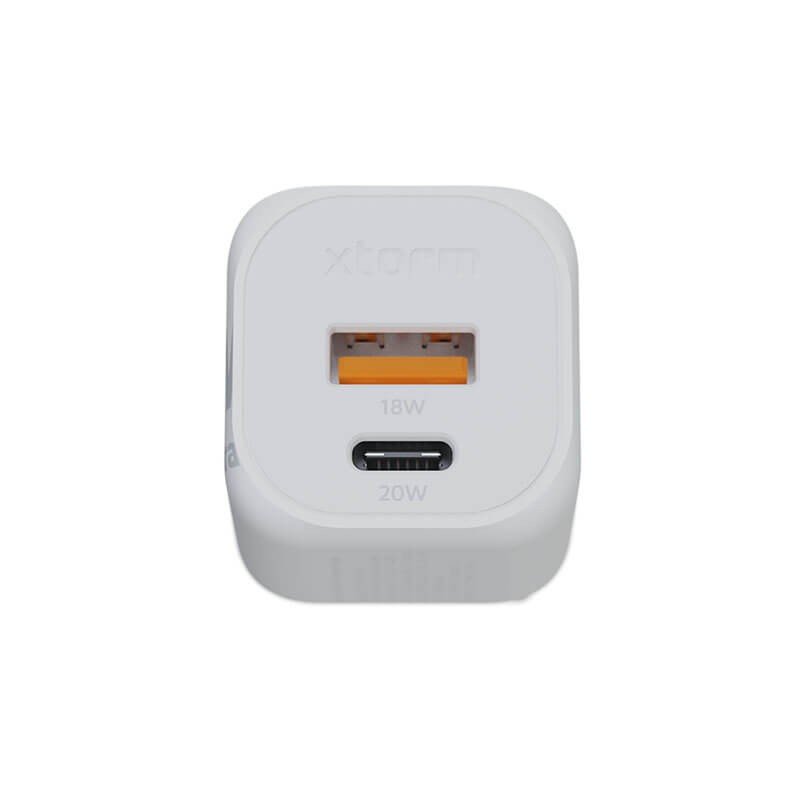
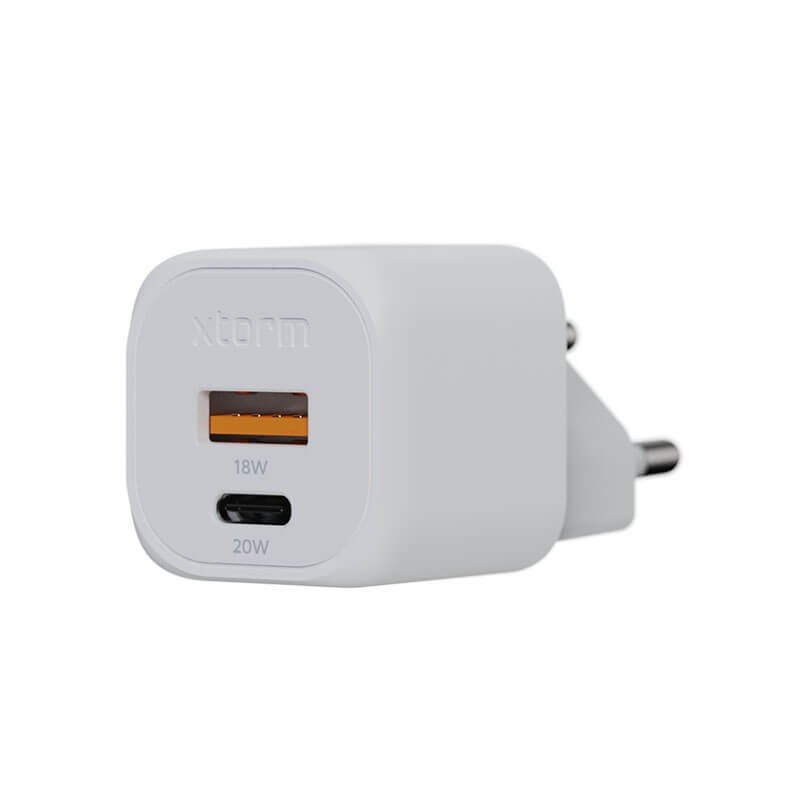
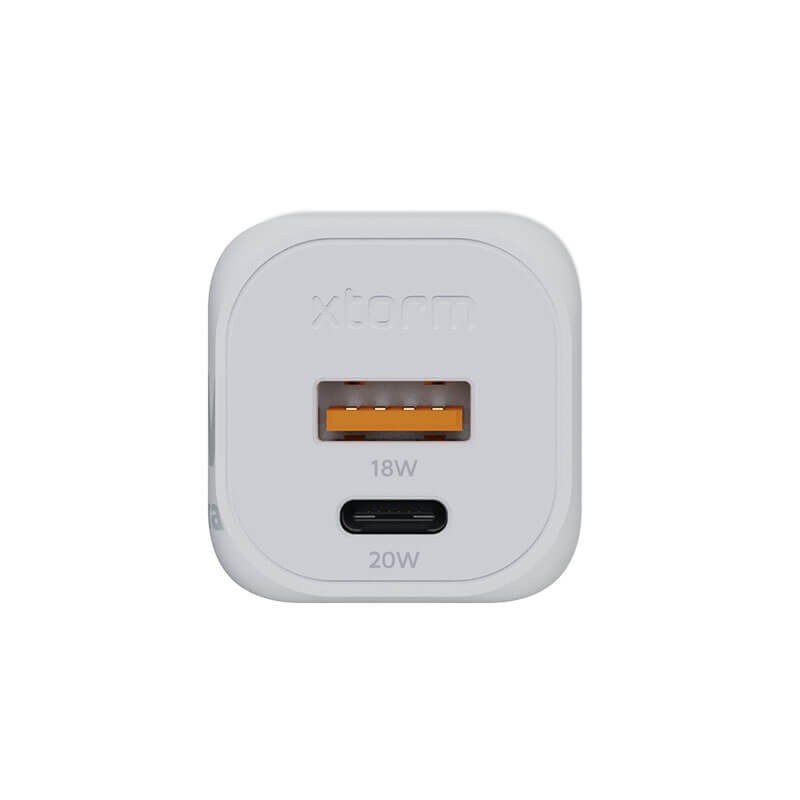
With 20 W on the USB-C PD side and 18 W on the USB-A side, this Xtorm charger is aimed first at smartphones and small portable devices. Its 44 g weight puts it among the blocks you drop into a pocket without a thought, and its name, GaN2 Ultra, points to the family of compact chargers it belongs to.
When to take it out of the drawer
For private users
It replaces the old phone charger in the kitchen, takes over at the bedside, and goes along with children or teenagers who stay at friends’ houses. Earbuds, a fitness band or a small speaker are content with these power levels, subject to the compatibility of each device.
For professionals
A field team using phones and small terminals can fit each vehicle with a few identical blocks. That simplifies replacements, since everybody uses the same output.
What is specified
The sheet gives only one construction figure: 44 g. Dimensions, materials and protections are not provided. To size a storage spot or check the room around a socket, measure the product on receipt. For any question about how the two ports share their output, the manufacturer’s manual is the reference, and a tablet or a laptop should be checked against it before you rely on this small block for them.
How to use it
- For a recent smartphone, take a USB-C to USB-C cable and connect it to the USB-C PD port.
- For an older accessory, a USB-A cable suits the second port.
- Insert the charger fully into the wall socket.
- Remove it once charging is finished, especially if you are leaving the room.
Nothing is installed permanently. Powering it from an inverter or an off-grid installation must be approved by a professional.
Why choose it
- A USB-C PD (20W) output for modern phones.
- A USB-A (18W) output for the usual accessories.
- A feather weight of 44 g.
Technical recap
- Brand: Xtorm
- Technology: GaN2 Ultra
- Output: USB-A (18W), USB-C PD (20W)
- Weight: 44 g
Staying careful
Small chargers run warm in a closed bag: take them out of their pouch before plugging in. Do not leave a device charging unattended on a bed. A connector that resists should not be forced. Do not connect a device that demands more power than announced, such as a desktop computer. With no protection rating mentioned, keep the charger away from water splashes.
Keeping the charger in good shape
Rub the housing with a dry cloth when it is unplugged. Avoid tossing it loose into the bottom of a bag where it would suffer repeated knocks. Store it, cables untied, in a dry, mild place, away from infants.